What LineTrader Pro Does

A Complete Trade-Management Workflow
- Visual trade planning directly on the MT4 chart
- Position sizing by Risk %, Fixed Lots, or Fixed Dollar Risk
- Pending and Market Order execution
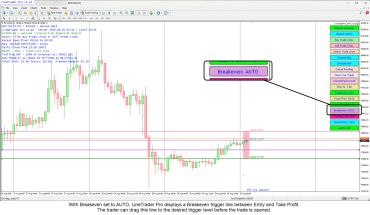
- Automatic and manual Breakeven management
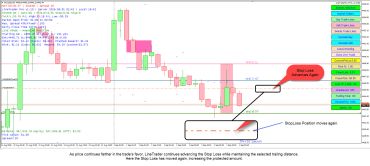
- Optional Auto Take Profit and Trailing Stop management
What LineTrader Pro Doesn't Do
Does not generate trading signals or predict market direction.
Does not provide investment advice or decide which trades you should take.
Does not replace your trading method — you remain in control of every trading decision.
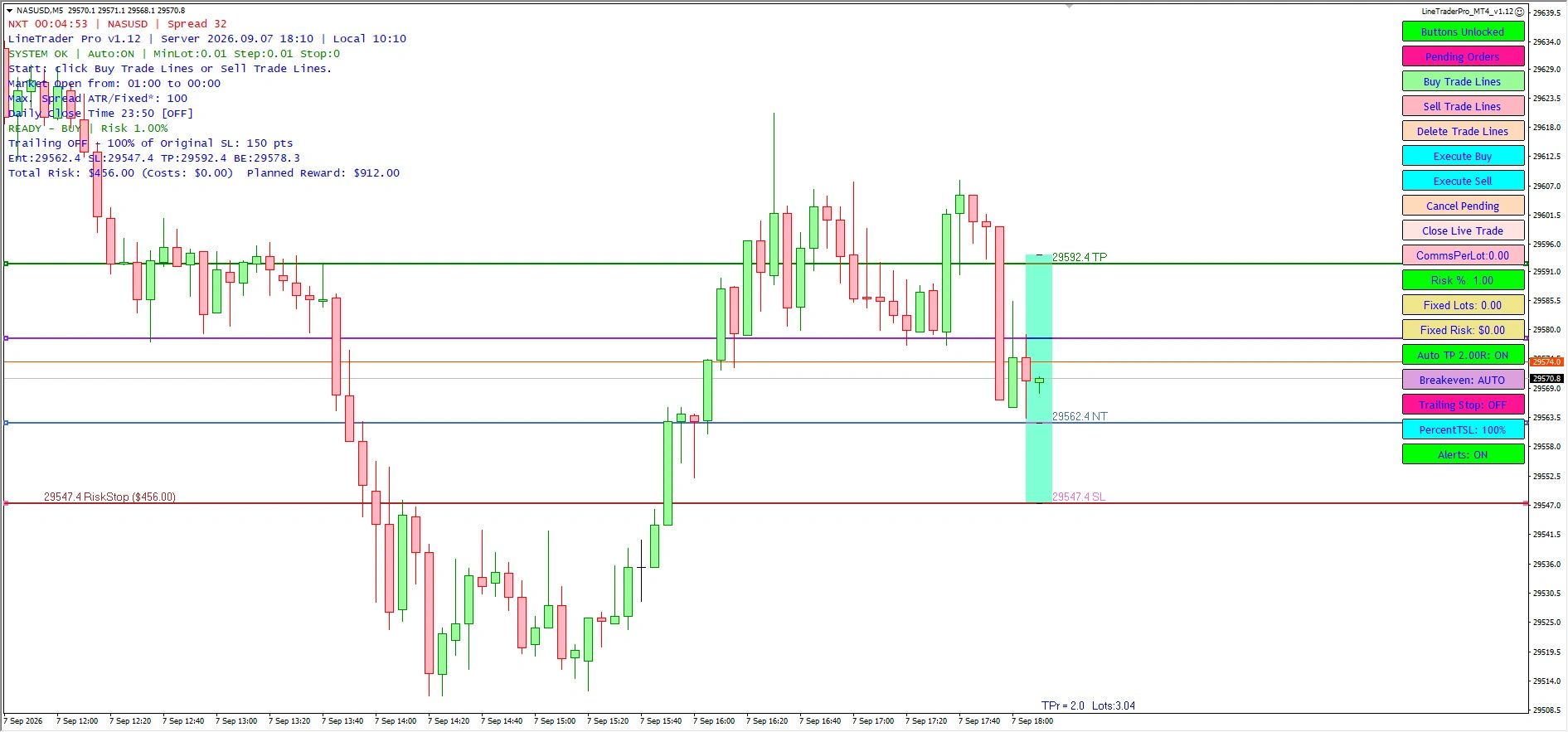
How LineTrader Pro Works
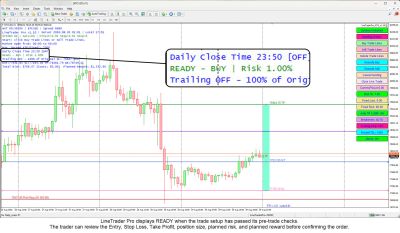
1. Plan the Trade
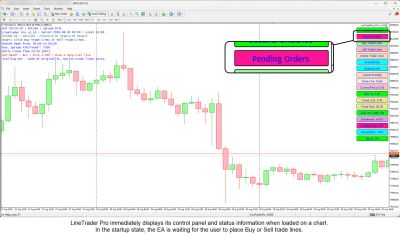
Place Buy or Sell trade lines directly on the MT4 chart, then position the Entry, Stop Loss, Take Profit, and Breakeven levels where you want them.
2. Size the Risk
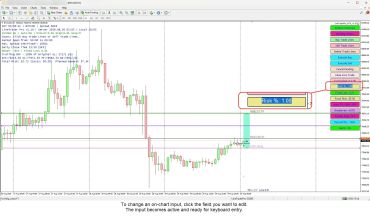
Choose Risk %, Fixed Lots, or Fixed Dollar Risk. LineTrader Pro automatically calculates the position size from your Entry and Stop Loss distance.
3. Execute the Order
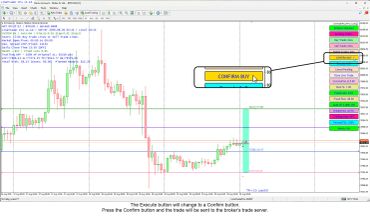
Choose a Pending Order or Market Order, then use LineTrader Pro’s confirmation process to place the trade deliberately from the on-chart panel.
4. Manage the Position
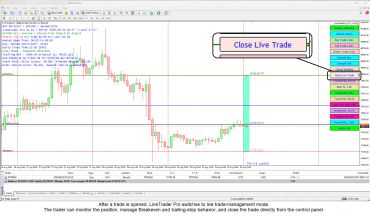
Use Breakeven, Auto Take Profit, and optional Trailing Stops to manage the trade according to the plan you set before and after entry.
5. Monitor Trade Status
The LineTrader Pro panel shows the active risk method, readiness status, and alerts you when something such as MT4 AutoTrading prevents execution.
Who LineTrader Pro Is For
Active Discretionary Traders
Designed for traders who already have a trading method and want a more visual, structured way to plan, size, execute, and manage trades in MetaTrader 4.
Traders Who Use Defined Risk
A good fit for traders who plan risk before entry and want position sizing tied directly to the Entry and Stop Loss levels on the chart.
Traders Who Prefer Visual Planning
Ideal for traders who want to see Entry, Stop Loss, Take Profit, and Breakeven levels directly on the MT4 chart before placing the trade.
Traders Who Use Pending or Market Entries
Useful for traders who want to place either Pending Orders or Market Orders directly from the LineTrader Pro panel, using the trade structure they have already planned on the chart.
Traders Who Want Simpler Trade Management
Helpful for traders who want Breakeven, Auto Take Profit, and optional trailing-stop tools available from one on-chart workflow.
Traders Who Want to Stay in Control
LineTrader Pro is built for traders who make their own trading decisions and want software to handle execution and management tasks without generating signals or choosing trades for them.
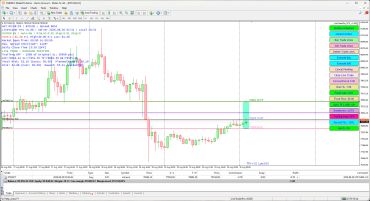
LineTrader Pro in Action
Documentation & Support
User Guide & Documentation

Review the LineTrader Pro User Guide for installation, setup, risk-sizing options, order execution, Breakeven, Auto Take Profit, trailing stops, and other features.
Support & Contact

Need help with installation, setup, or a LineTrader Pro feature? Use the contact form on this website and we’ll get back to you as soon as possible.
Contact Us
Need Help With LineTrader Pro?
Have a question about LineTrader Pro, installation, setup, or how a feature works? Send us a message and we’ll get back to you as soon as possible.
